
Shade timeline
See how terrain shade changes throughout the day.

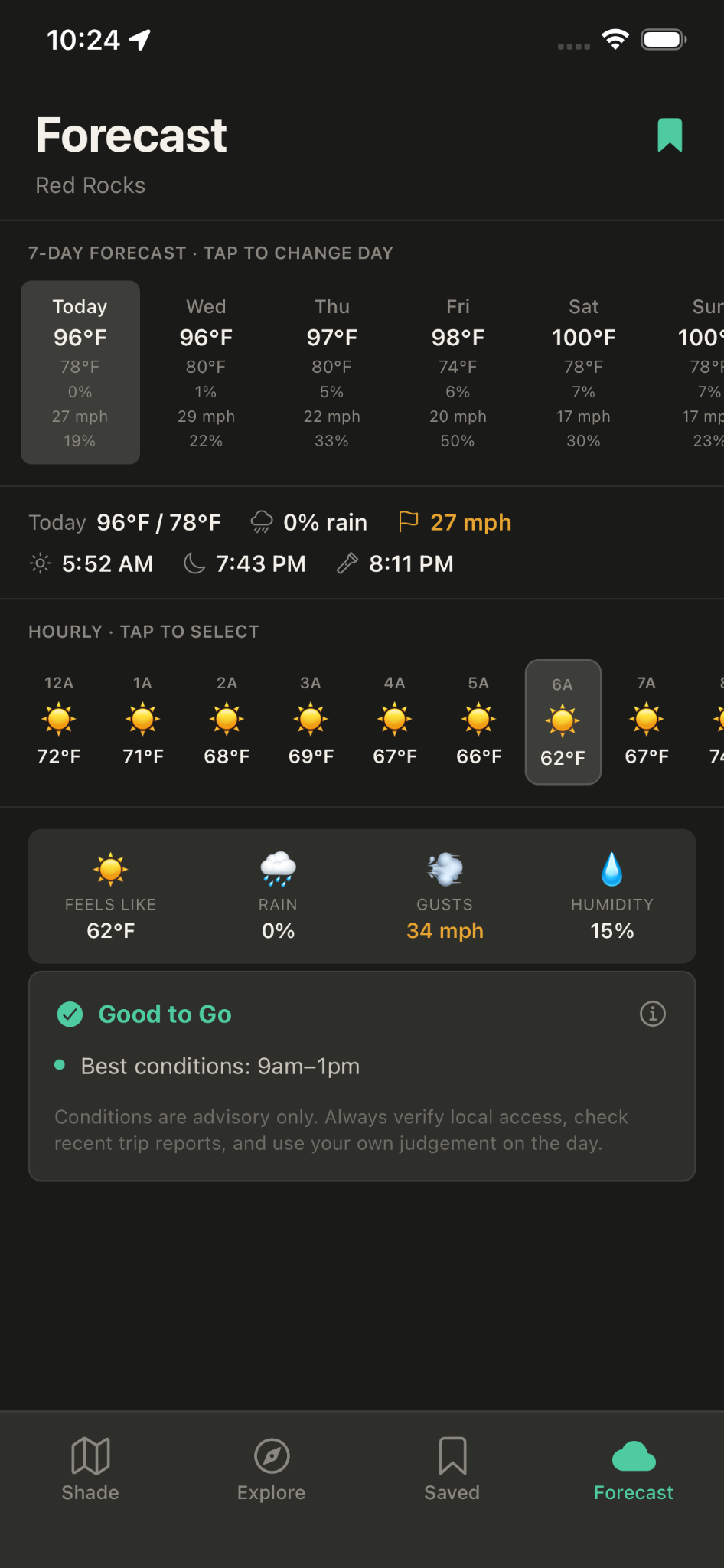
Explore shade on a map, find areas shaded during your climbing window and check conditions before leaving home.
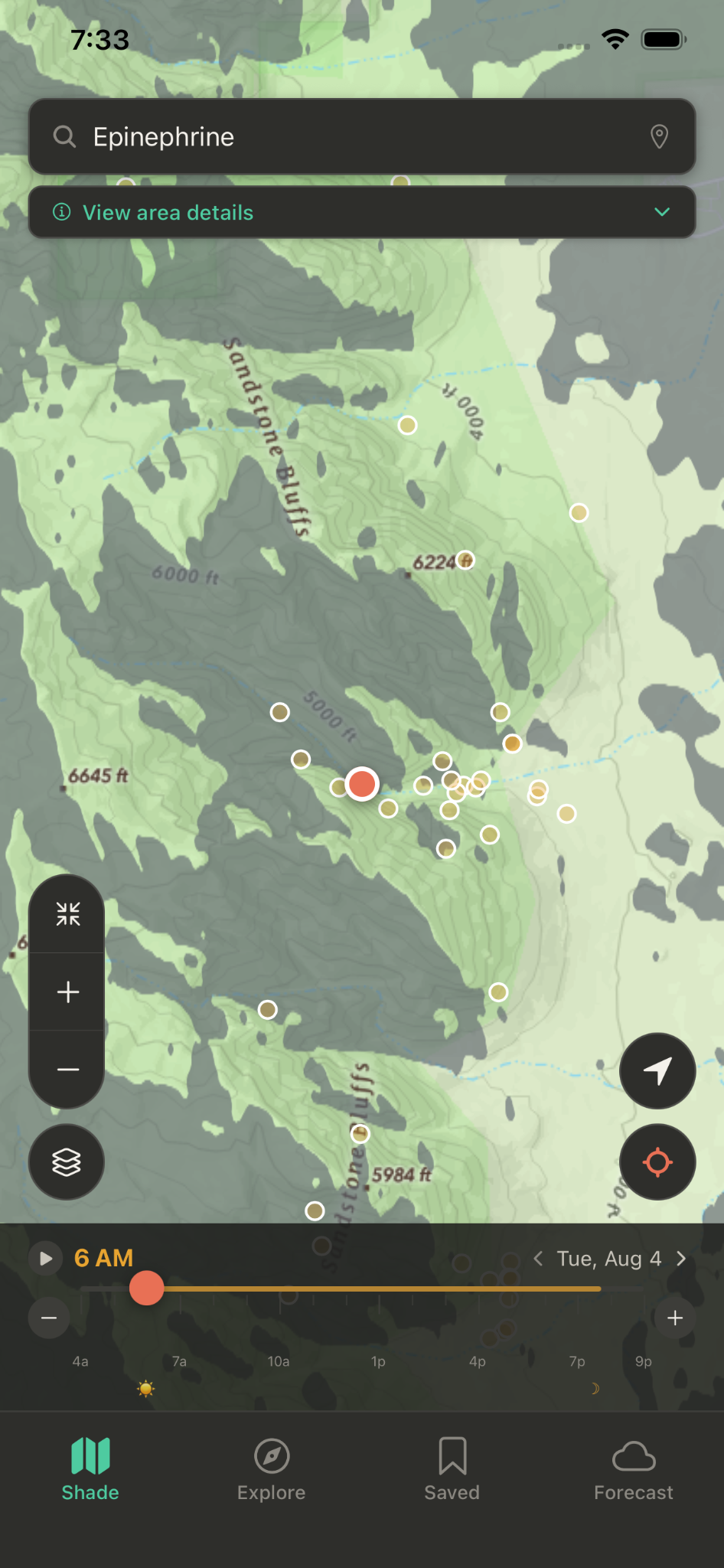
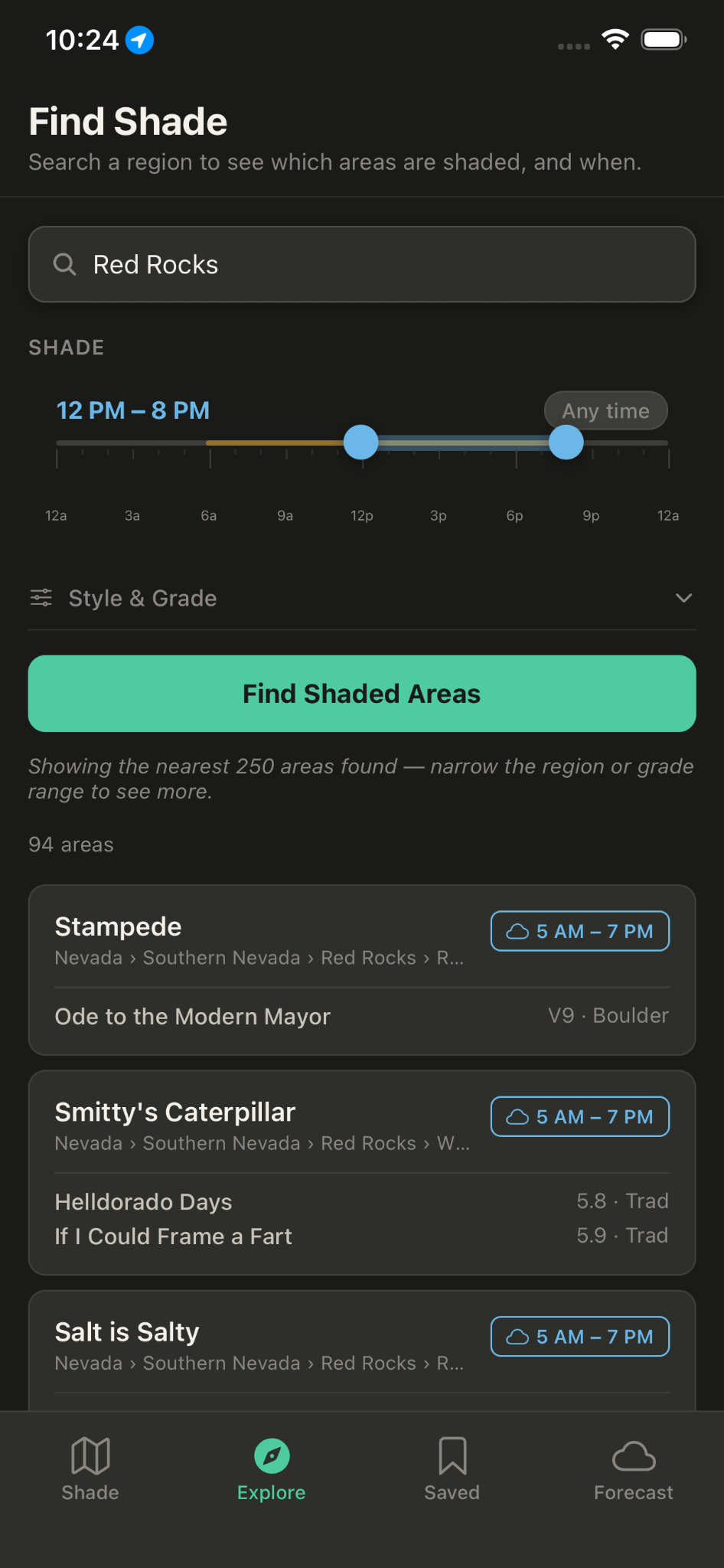
Use the time controls to see changing shade, search for shaded areas, save climbing regions and compare forecast conditions.
See how terrain shade changes throughout the day.
Search areas and grades inside a preferred shade window.
Review temperature, wind, rain and an advisory climbing window.
ClimbShade for Android is in early access. Three quick steps to get in.
Sign in with the Google account your Android phone uses for the Play Store, then join the group.
Join beta groupOpen the testing page and tap "Become a tester." You'll see a confirmation when it works. This works from a phone or computer.
Become a testerOpen the listing on your Android device and install. If it doesn't appear yet, wait a few minutes and try again.
Open in Play StoreUsing more than one Google account? Use the same one for all three steps.